Picture this. You just landed back home after an incredible vacation. You're relaxed, happy, and ready to ease back into your routine. Then you open your email and see a notification from your mobile carrier. Your bill is $800.
This is the dreaded bill shock, and it happens to thousands of travelers every year. Domestic carriers love to charge a massive premium for international data. Unprepared travelers often return home to accidental bills ranging from $300 to $1,200 just because of background app updates, automatic cloud syncing, or a few FaceTime calls.¹
But what about those convenient daily passes? Major US carriers offer international plans, but they're a trap. AT&T and Verizon charge $10 a day for their international passes. That sounds reasonable until you do the math. If you take a family of four on a two-week European vacation, you can easily rack up a $560 bill on connectivity alone.
Even if you're traveling solo, $100 for a ten-day trip is incredibly steep. Worse, these daily passes often come with hidden data caps. Once you hit your limit, your speeds crawl at a snail's pace, leaving you unable to load a basic map.
To avoid this financial headache, you must take action before your flight even leaves the runway. The absolute first step of any international trip is disabling automatic data roaming on your primary SIM. It's the digital equivalent of locking your front door before you go on vacation.
The Modern Solution of eSIMs and Travel SIM Cards
The days of searching for a sketchy airport kiosk to buy a plastic SIM card are quickly fading. The travel technology world has shifted toward the eSIM, a digital profile downloaded directly to your phone. Juniper Research reports that over 1.2 billion devices are now using eSIMs, with adoption growing by 30% annually.²
Major manufacturers are leading this shift. Apple even removed physical SIM trays from US iPhones starting with the iPhone 14. In response, European carriers are phasing out physical tourist cards. Orange France, like, stopped selling physical tourist SIMs online, making their travel eSIM the default standard.³
So how do you choose between a digital eSIM and a traditional physical SIM card? Let's break down the options.
• Travel eSIM: This is the modern budget champion. You buy a plan online or through an app, scan a QR code, and activate the profile when you land. Plans typically cost between $1.50 and $5.00 per gigabyte.
• Local Physical SIM: If you have an older or carrier-locked phone, this remains a highly reliable option. You buy a plastic card locally and swap it with your home SIM. It often costs $1.50 to $3.00 per gigabyte, but you risk losing your tiny home SIM card while it's out of your phone.
• Pre-purchased Physical SIM: Resellers sell multi-country physical SIMs before you depart. Like, a 30-day Europe SIM with 12GB of data and unlimited EU calls costs around $30.⁴
Let's look at the math for a standard 10-day European vacation. If you use a traditional carrier pass, you'll pay $100. A pre-purchased physical SIM card costs about $30. But a travel eSIM with 10GB of data will only run you $15 to $20. That is an 80% savings just for tapping a few buttons on your phone.
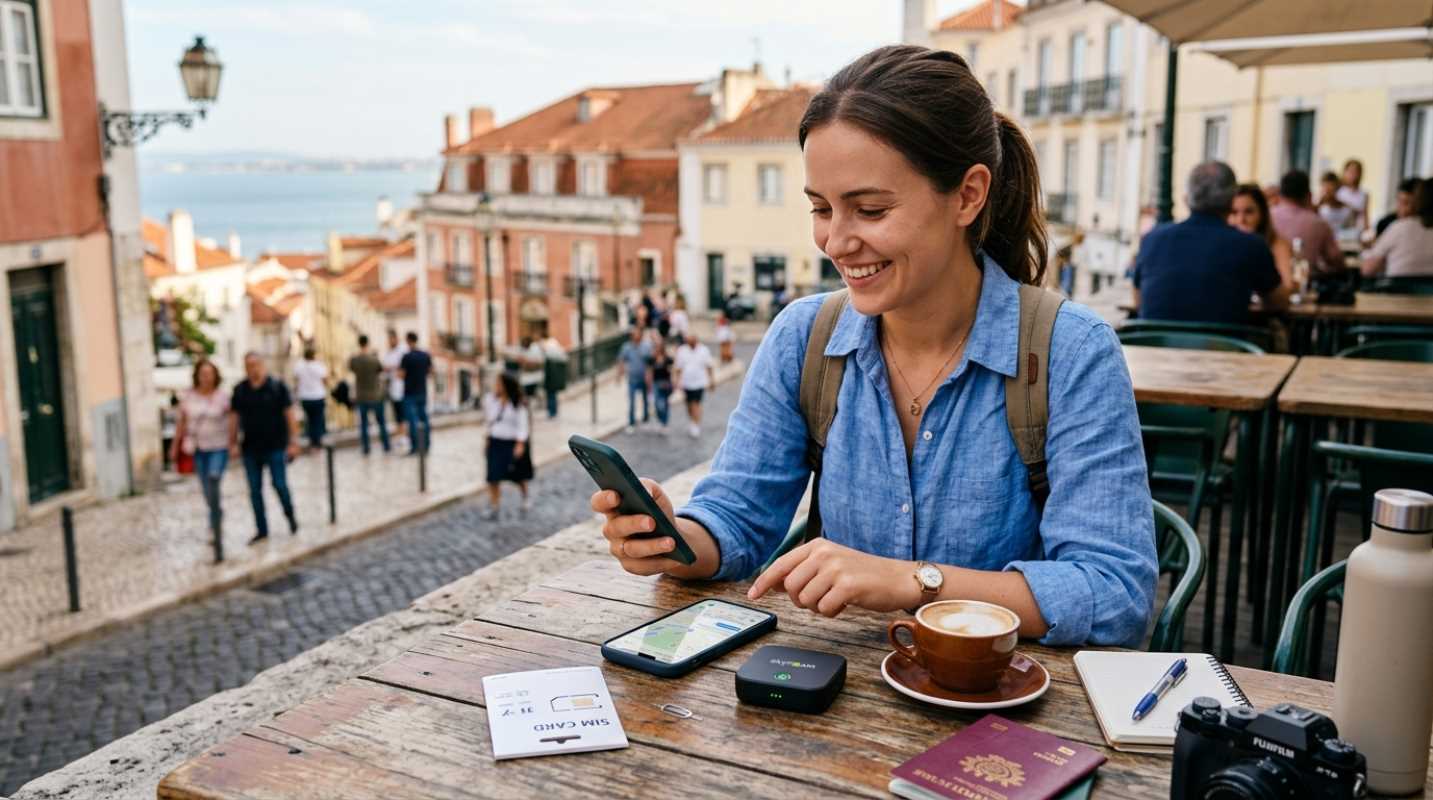
Setting up your phone for an eSIM is incredibly simple. You can install the profile while sitting on your couch at home. Once you land at your destination, you just toggle the travel eSIM on and set it as your primary source for cellular data.
Importantly, you must turn off cellular data switching. This prevents your phone from accidentally using your expensive home roaming data when the local signal gets weak.
Mastering Budget Connectivity Wi-Fi Approaches
What if you want to spend absolutely nothing on data? It's entirely possible if you learn how to master public Wi-Fi. Airports, hotels, cafes, and city centers are packed with free hotspots.
But free public Wi-Fi comes with serious security risks. Hackers can easily intercept your data on unsecured networks. If you plan to use public Wi-Fi to check your bank account or log into your email, you must use a reliable Virtual Private Network (VPN). A VPN encrypts your connection and keeps your sensitive information safe from prying eyes.
Finding high-quality free hotspots is easier than you think. Many major cities offer free municipal Wi-Fi in public parks and squares. Cafes and fast-food chains are also reliable options for a quick connection.
To stretch your budget even further, you should rely on offline workarounds. Google Maps and Apple Maps allow you to download entire city maps directly to your device. You can handle the streets of Tokyo or Paris using your phone's GPS without using a single kilobyte of cellular data.
You should also download your favorite playlists, podcasts, and translation databases before you leave your home Wi-Fi network. This simple step keeps you entertained and guided without draining your data package.
Communication Apps to Replace Traditional Calling
You don't need a traditional phone number to stay in touch with friends and family. Voice over IP (VoIP) services have made international calling and texting completely free, provided you have an internet connection.
Apps like WhatsApp, FaceTime, and Telegram are the standard for global communication. They allow you to make high-definition voice and video calls using only data. Your family back home won't even notice a difference, and you won't have to worry about paying international long-distance fees. Just make sure the people you call have the same app installed on their devices.
But what about your bank accounts? Many financial institutions require SMS two-factor verification to log in, which can be a nightmare when you're abroad.
The trick is to use a dual-SIM setup. Keep your home physical SIM or eSIM active, but turn off data roaming on that specific line. This allows your phone to receive incoming text messages for free without triggering expensive daily roaming passes.
You also need to manage data-heavy apps while you're on the move. Some apps are incredibly hungry for data in the background.
• Tame Background Data: Turn off background app refresh in your phone settings to stop apps from consuming data when you're not using them.
• Disable Auto-Updates: Turn off automatic app updates and automatic cloud backups for photos until you're connected to hotel Wi-Fi.
• Use Low Data Mode: Enable low data mode on your cellular settings to reduce automatic data usage.
Final Checklist for Stress-Free Global Connectivity
Before you head to the airport, a little preparation goes a long way. Make sure you run through this quick checklist to make sure a seamless experience.
First, verify that your device is carrier-unlocked. An eSIM or local physical SIM won't work if your phone is locked to your home carrier.⁵ Use your phone settings or call your provider to confirm it's fully unlocked.
Second, test your connectivity plan. If you're using an eSIM, download the app and install the profile a day before your departure. You can even label the lines in your settings so you don't get confused when you land.
Finally, choose the right provider for your specific travel style.
Here are some of the best budget-friendly connectivity options for 2026
• Saily: Created by Nord Security, this app is highly praised for its user-friendly interface and security features like ad-blocking. Plans start around $4 to $5.
• Airalo: The market pioneer with coverage in over 200 countries. Global plans start at $8.50 for 1GB.
• Holafly: Best for heavy data users, offering unlimited data plans starting around $20 for five days. Keep in mind they enforce a fair usage policy that may throttle speeds after heavy daily use.
• TooSIM: An excellent budget alternative offering competitive rates like 3GB for $7.99 or 5GB for $12.99.
By taking these simple steps, you'll save hundreds of dollars and stay connected throughout your journey. Safe travels!
Sources:
1. simology.io
https://simology.io/blog/international-roaming-costs-2026-price-breakdown
2. simology.io
https://simology.io/blog/esim-vs-physical-sim-vs-roaming-which-best-2025
3. orange.com
https://news.travel.orange.com/en/orange-travel-europe-physical-sim
4. holafly.com
https://esim.holafly.com/sim-card/europe-sim-card/
5. runawaytraveller.com
https://runawaytraveller.com/best-esim-international-travel/